Govee Smart LED Light Bars for Home Office, Eye-Friendly Bias Lighting Behind Monitor with App Scheduling and Voice Control
Govee Smart LED Light Bars for Home Office, Eye-Friendly Bias Lighting Behind Monitor with App Scheduling and Voice Control
Couldn't load pickup availability
Why you'll love it
- No hub required — direct WiFi connection to Alexa and Google Assistant cuts setup friction
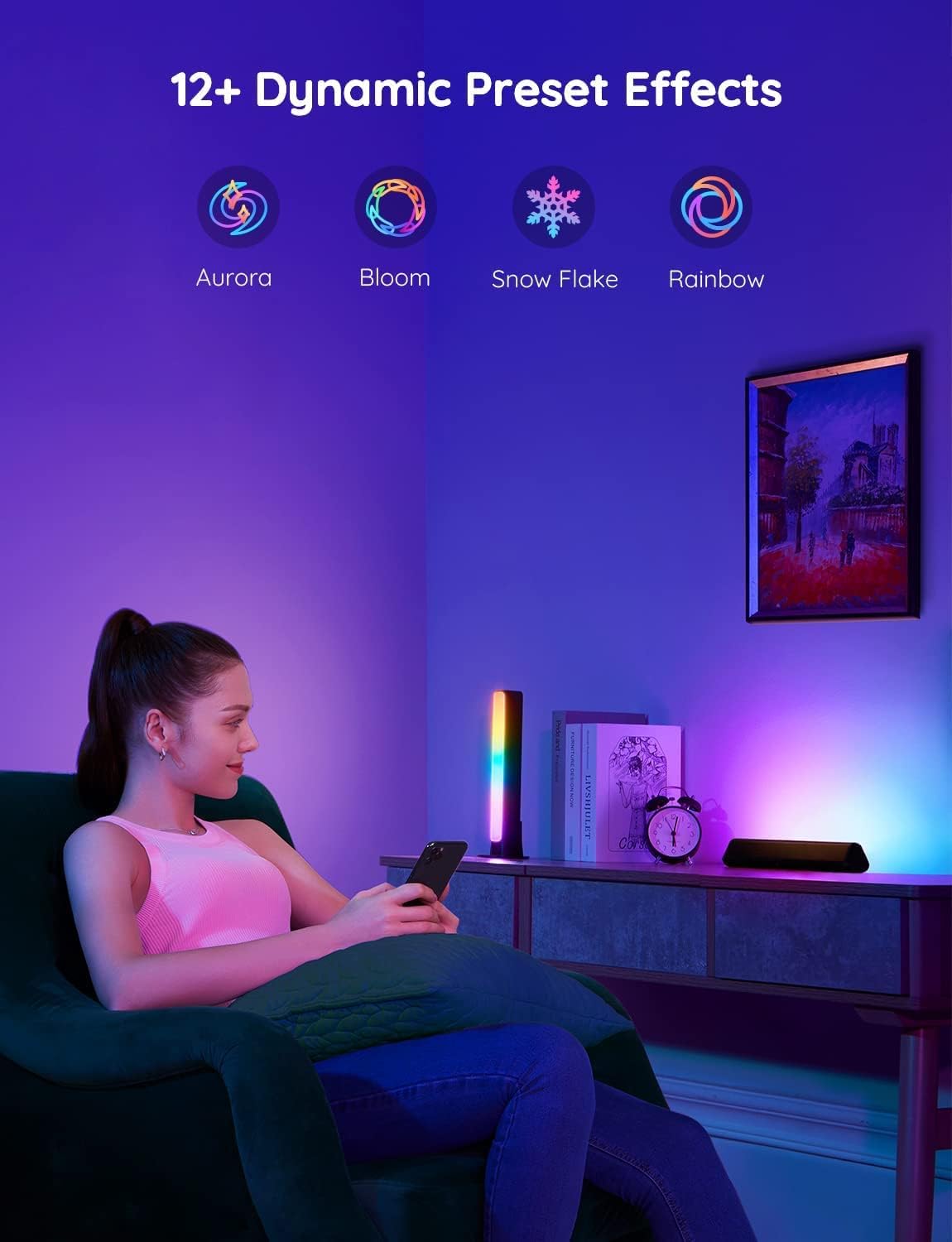
- RGBICWW segmented color control creates rainbow-style effects that single-color smart bulbs cannot match
- Built-in mic enables audio-reactive lighting without buying a separate sync box
- Three mounting options (flat, vertical, behind-monitor) fit renters and small desks that cannot be drilled
- DIY mode and Light Studio let users copy community-made effects instead of starting from scratch
- Dimmable 350-lumen output adds bias lighting without overwhelming a dark room
Perfect for
- RGB backlighting behind a TV or monitor under 45 inches to reduce eye strain and elevate movie nights
- Reactive ambient lighting that pulses to game, music, and movie audio via built-in microphone
- Voice-controlled accent lighting for living rooms or bedrooms via Alexa and Google Assistant
- DIY custom scene creation through the Govee Home App to match specific moods or decor themes
- Grouping with other Govee smart lights by room for whole-room automated lighting schedules
Frequently Asked Questions
Will bias lighting help with eye strain during long work days?
Yes, placing a soft RGBICWW backlight behind your monitor reduces the contrast between the bright screen and the dark room, which is a well-established way to ease eye fatigue during extended work or study sessions.
Can I set a timer so the lights turn off after I finish work?
Yes, the Govee Home App includes scheduling and timer functions that let you set automatic on-and-off times, so the light bars can wind down with your evening rather than staying on all night.
Does it help with focus during deep work blocks?
Yes, you can dial in a single steady color in DIY mode, which creates a consistent visual environment that signals focus time, and you can switch to brighter cool tones for energy or warm tones for calmer analytical tasks.
Will voice control via Alexa help me stay in flow?
Yes, you can adjust brightness, change color, or turn the bars on and off with Alexa or Google Assistant voice commands, which means you never have to break concentration to reach for the app or a switch.
Can I use it to look better on video calls?
Yes, placing the light bars behind your monitor or beside your desk adds a soft colored halo that lifts the overall scene on camera, giving your video calls a more intentional, professionally lit background without a separate ring light.
Can I create a daily focus routine with the app?
Yes, the scheduling feature lets you build a morning-to-evening routine where the lights shift through warm, cool, and dimmed states, reinforcing transitions between deep work, meetings, and wind-down time.
Will the audio reactive mode distract me during work?
The audio mode is opt-in, so you can keep the bars on a steady single color during focused work and reserve reactive modes for break time, music listening, or end-of-day relaxation.
Can I group it with my other Govee lights for the whole office?
Yes, room grouping in the Govee Home App lets you bundle the light bars with compatible Govee devices so the entire office responds to a single command, scene, or schedule.
How does this compare to a desk lamp for a home office?
A desk lamp lights your paperwork directly, while these bars provide bias lighting behind the monitor and ambient fill that reduces screen contrast strain, making them a complement to, not a replacement for, a task lamp.
Is this better than a BenQ ScreenBar for eye strain?
A ScreenBar sits on top of the monitor and lights the desk surface, while these bars sit behind the monitor and project color onto the wall, so they serve different purposes and many users pair them for a complete eye-comfort setup.
How does it compare to smart bulbs in a home office?
Smart bulbs light the whole room from a central point, while Govee light bars deliver focused segmented RGBICWW color behind your monitor, which is more effective for bias lighting and has a smaller footprint on a small desk.
Will the WiFi connection be reliable enough for a workday?
Yes, the bars use a direct 2.4 GHz WiFi link with no hub required, and once paired, the connection holds steady for daily schedules and voice commands without frequent re-pairing.
Does it work with Google Calendar or focus timers?
Through Alexa and Google Assistant routines, you can tie the light bars to calendar events, focus timers, and start-of-day triggers, so they integrate into productivity workflows rather than sitting as a standalone gadget.
Is the light quality good enough for a content creator's studio?
Yes, content creators can use the bars to set precise on-brand background colors for streams, tutorials, and product shoots, and the segmented RGBICWW control gives finer color zoning than a single-color smart bulb.
Will the bright colors be too stimulating for late-night work?
No, the dedicated warm white channel and dimmable 350-lumen output let you drop the bars to a soft, low-intensity warm glow that is gentle enough for late sessions without disrupting sleep.
Is it worth it if I already have good overhead office lighting?
Yes, overhead lighting creates glare on the screen, while these bars fill the space behind the monitor with soft bias light, which addresses eye strain in a way that overhead lights cannot, even when the room is already bright.
How do I set up the Govee Smart LED Light Bars for the first time?
Plug the light bars into the included 12V power adapter, download the Govee Home App, create an account, and tap the plus icon to add the device. The app walks you through connecting to your 2.4 GHz WiFi network, after which you can link Alexa or Google Assistant and start customizing scenes.
How do I mount the light bars on a TV, monitor, or wall?
Use the included brackets to choose flat, vertical, or behind-monitor placement. For behind a monitor, attach the brackets to the back of the display, slide the bars in, and adjust the angle. For shelves or walls, use the flat and vertical mounts and tighten the included hardware without over-drilling.
How do I reset the light bars if WiFi pairing fails?
Power the bars on, then press and hold the control button on the unit for about 5 seconds until the indicator flashes rapidly, which puts the device back into pairing mode so you can reconnect through the Govee Home App.
Does it work with both Alexa and Google Assistant?
Yes, the bars connect directly to your 2.4 GHz WiFi network and integrate with both Amazon Alexa and Google Assistant for hands-free voice control over power, brightness, color, and scene selection once linked through the Govee Home App.
Will it work with my iPhone and Android phone?
Yes, the Govee Home App is available for both iOS and Android devices, and the WiFi-based pairing process is identical across platforms, so the bars work with virtually any modern smartphone.
What is included in the box?
The package includes two Govee Smart LED Light Bars, a versatile mounting kit with brackets for flat, vertical, and behind-monitor placement, a 12V power adapter, a 106-inch power cord, and a quick-start guide with setup instructions.
Is this product safe to leave plugged in 24/7?
Yes, the bars use a 12V low-voltage adapter and FCC-certified LED components that are designed for continuous use, and the Govee Home App lets you set schedules or countdowns to automatically power down when not needed.
How long do the LEDs last, and is there a warranty?
Govee LED light bars are rated for tens of thousands of hours of typical use, and the product is backed by Govee's standard limited warranty and responsive customer support for any defects or early-life issues.
What is the difference between Govee light bars and Govee LED strip lights?
Light bars are directional, freestanding or mounted fixtures that hide behind objects to project color onto a wall, while LED strip lights are flexible adhesive ribbons that spread color along a longer run. Bars are easier to reposition and ideal for bias lighting, whereas strips cover more linear distance.